How to convert Excel to CSV without breaking your data
Export an XLSX worksheet to CSV while protecting leading zeros, long IDs, dates, Unicode text, delimiters, formulas, and row integrity.
Updated . How guides are checked
Primary sources checked
Save the XLSX master, choose one worksheet, turn identifiers into text before export, decide the delimiter and encoding required by the receiver, and remember that CSV cannot keep formulas, formatting, charts, or other sheets. Convert once, then verify headers, row counts, dates, decimals, Unicode text, quoted fields, and edge records.
Define what must survive
Converting a workbook to CSV is not the same as changing its extension. XLSX is an Office Open XML package that can hold many worksheets, formulas, styles, charts, merged cells, validation, and relationships. CSV is a text representation of one flat table.
Create a preservation checklist before exporting:
| Field or feature | Example | CSV decision |
|---|---|---|
| Identifier | 001247 |
Preserve as text |
| Long reference | 9876543210123456 |
Preserve as text, never floating-point |
| Date and time | 2026-07-25T14:30:00+05:30 |
Declare format and timezone |
| Decimal | 1234.50 |
Agree decimal and field delimiter |
| Formula | =SUM(B2:B10) |
Export stored result or retain XLSX |
| Multiple sheets | Orders and customers | Export separate files or retain XLSX |
| Display format | 12.5% |
Decide whether receiver needs 0.125 or 12.5% |
The receiving system’s import contract is the authority. Ask for its delimiter, headers, encoding, date syntax, decimal convention, null representation, and maximum rows. A valid CSV can still be wrong for a particular importer.
Keep the XLSX master
Copy the workbook and leave the original unchanged. CSV cannot become a faithful backup of an XLSX workbook because it cannot reconstruct formulas, charts, formats, comments, hidden sheets, or workbook relationships.
Microsoft’s current documentation states that CSV saves only the active worksheet and loses formatting. FileGizmo makes that limit explicit by asking you to select one sheet and by exporting stored cell values rather than presenting CSV as a workbook replacement.
If formulas must be current, open the workbook in its trusted spreadsheet application, allow expected calculations to finish, inspect external links, and save it before conversion. FileGizmo does not contain Excel’s calculation engine. A workbook saved with stale cached values can produce stale CSV values.
Macro-enabled XLSM and legacy XLS files are outside the current FileGizmo tool. Convert them to a reviewed XLSX copy in trusted desktop software when appropriate, and do not assume macros or legacy features belong in the plain-data export.
Protect identifiers before export
Postal codes, phone numbers, tracking IDs, membership numbers, account references, and product codes can contain only digits while still being text.
Excel can infer numbers when a CSV is opened directly. This may:
- remove leading zeros;
- display long values in scientific notation;
- round digits beyond normal numeric precision;
- convert strings that resemble dates;
- interpret formula-triggering characters.
Format identifier columns as Text in the workbook before preparing the export. After conversion, inspect the CSV in a plain-text editor. When reopening it in Excel, use Data > From Text/CSV and assign Text to those columns. Microsoft’s import guidance recommends this route for preserving leading zeros.
Do not add an apostrophe to the actual identifier unless the receiving system expects it. An apostrophe can be a spreadsheet-entry convenience but may become unwanted source data in another importer.
Choose one clean worksheet
Each CSV should contain one logical table. Use one header row with unique, non-empty column names. Remove title blocks, decorative blank rows, repeated headers, subtotals, and footer notes from the export copy unless the receiver explicitly needs them.
Merged cells do not describe a stable rectangular dataset. Unmerge them and repeat required values into the appropriate rows. Avoid relying on fill colour, bold text, indentation, or comments to convey meaning because those cues disappear.
If the workbook contains several related tables, export them separately with clear names:
customers.csvorders.csvorder_items.csv
Preserve stable keys such as customer_id and order_id so the receiver can rebuild relationships. Do not paste three tables beneath each other in one file merely to keep a single download.
Choose delimiter and encoding deliberately
RFC 4180 describes comma-separated records and double-quote escaping for fields that contain commas, quotes, or line breaks. Real import systems also use semicolon and tab delimiters.
Excel to CSV offers comma, semicolon, and tab output and writes UTF-8. Choose the delimiter documented by the receiver:
- Comma for a conventional CSV contract.
- Semicolon when the receiver specifies it, often in workflows where comma is the decimal separator.
- Tab for a tabular text contract or data with many commas.
Do not manually replace commas after export. A comma inside "Mumbai, Maharashtra" is data, not a separator. A conforming writer quotes it. Manual search-and-replace can corrupt quoted fields and multiline descriptions.
UTF-8 supports multilingual names and symbols, but a legacy importer can still expect another encoding. Test Hindi, accented Latin text, currency symbols, and emoji when they are valid source data. If the receiver requires a different encoding, perform that conversion in a controlled tool and recheck the result.
Convert locally and inspect the result
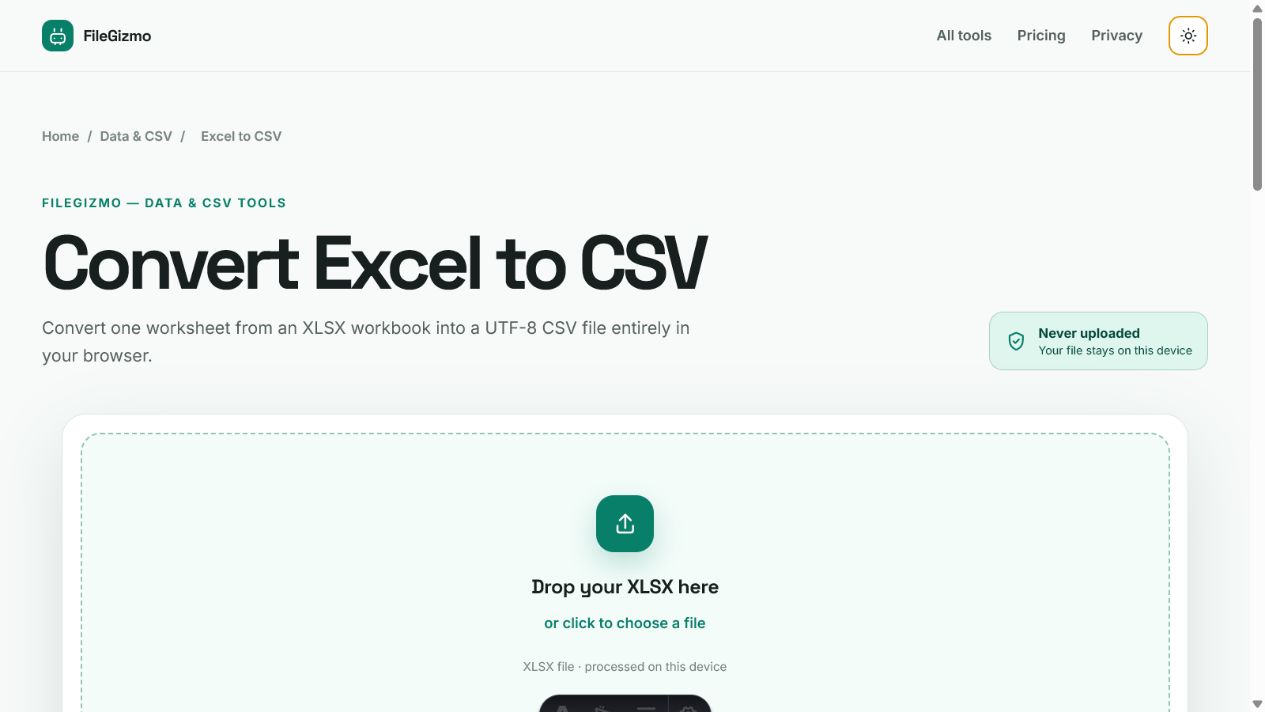
- Open Excel to CSV.
- Choose a reviewed modern XLSX copy.
- Select the exact worksheet.
- Pick the receiver’s delimiter.
- Convert in the browser worker.
- Download the UTF-8 CSV.
- Open it in a plain-text editor before importing it elsewhere.
FileGizmo exports stored values and escapes potential spreadsheet-formula prefixes in its CSV output. OWASP documents the risk of untrusted input becoming active formulas when opened in spreadsheet software. Sanitize values as they are exported, without destroying the governed source.
Processing locally keeps the selected workbook on the device, but it does not make an unreviewed workbook safe. Treat unexpected formulas, links, and macros cautiously in the application that opens them.
Run a reconciliation check
Compare the source worksheet and CSV using measurable checks:
- Count data rows, excluding the one header row.
- Count columns in the header and representative records.
- Compare the first five and last five identifiers.
- Search for blanks in required columns.
- Check duplicates in the primary key.
- Inspect the longest identifier and largest number.
- Verify one date around midnight and one with a timezone.
- Check fields containing commas, quotation marks, and line breaks.
- Confirm non-ASCII text.
- Import the file into a test or staging destination before production.
A file opening successfully is not proof that the data survived. Row counts can match while identifiers were rounded or dates shifted.
For the broader choice among tabular, structured, and workbook formats, read CSV vs JSON vs Excel. If the destination needs JSON objects instead of a table, use CSV to JSON after cleaning headings and deciding how types should map. The TinyWow comparison explains the privacy and workflow differences between a broad server-backed converter catalogue and FileGizmo’s focused browser-local tools.
Tools for this guide
Frequently asked questions
Why do leading zeros disappear when I open a CSV in Excel?
CSV does not store spreadsheet cell formatting. Excel may infer a numeric type when opening the text. Import the file through Data or Text/CSV and set identifier columns to Text instead of double-clicking it.
Does converting Excel to CSV keep formulas?
CSV keeps exported values, not the reusable formula model. FileGizmo reads stored cell values and does not run Excel's calculation engine, so recalculate and save the workbook in Excel first when current formula results matter.
Can one CSV contain several Excel worksheets?
No. A CSV represents one flat table. Export each required worksheet to a separately named CSV and preserve the XLSX workbook when relationships or workbook context matter.
Which delimiter should I choose?
Use the receiver's documented choice. Comma is common, semicolon can suit comma-decimal locales, and tab can help text containing commas. Proper quoting is still required when fields contain the delimiter, quotes, or line breaks.
Primary references
- IETF RFC 4180, common CSV format, October 2005
- Microsoft save a workbook in another file format, checked 25 July 2026
- Microsoft import or export text and CSV files, checked 25 July 2026
- Microsoft keep leading zeros and large numbers, checked 25 July 2026
- Ecma International ECMA-376 Office Open XML standard, checked 25 July 2026
- MITRE CWE-1236, formula elements in a CSV file, checked 10 September 2026
- FileGizmo security policy