Primary sources checked 24 July 2026
A Canva background remover alternative that skips the Pro plan
Compare Canva's Pro background remover with FileGizmo's free local remover on price, account requirements, refine brushes, batch work, and where each one wins.
Reviewed and updated
The honest one paragraph version
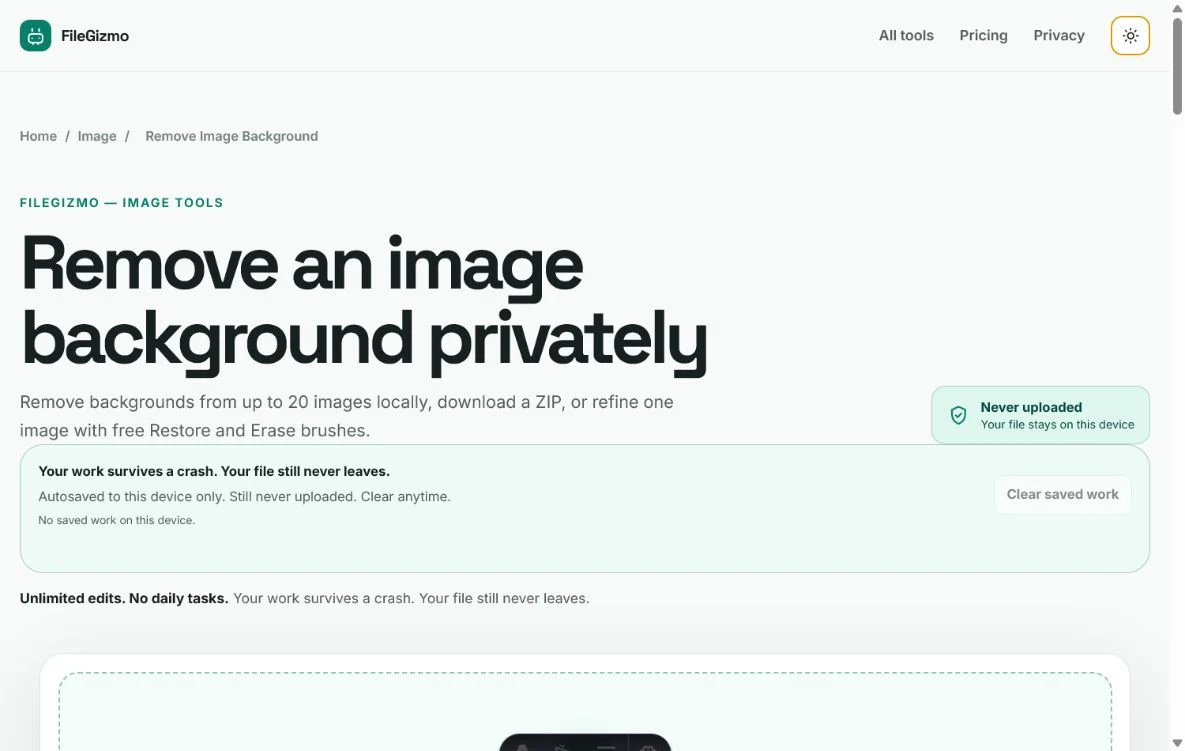
Canva bundles its background remover into a paid design suite. That bundle is excellent if you already live inside Canva, because the cutout drops straight into templates, brand kits, and layouts. It is a poor deal if you only came for the cutout, since the remover sits behind a Pro subscription and an account signup. FileGizmo takes the opposite approach. The remover is a standalone free tool. There is no account, no plan, and no upload. You drop a photo, the model runs in your browser, and you fix stray edges with erase and restore brushes before downloading a transparent PNG or a flattened image on a new background.
Neither product is universally better. The rest of this page walks through the differences that actually decide the choice.
What each product actually is
Canva is a design platform. The background remover is one feature among thousands, and its output is meant to stay inside a Canva project. You would normally remove a background, then place the subject on a poster, story, thumbnail, or slide without ever exporting a bare cutout.
FileGizmo is a toolkit of single purpose utilities. The background remover is a complete workflow on its own page: automatic removal, a smart brush that follows edges, a precise brush for manual control, feather and despill controls for hair, optional drop shadows, background replacement with colors, gradients, or your own image, and batch processing with a ZIP download.
The practical question is whether the cutout is the end of your task or the middle of it.
Price and signup, side by side
| Question | Canva | FileGizmo |
|---|---|---|
| Account required | Yes | No |
| Unlimited removal on the free tier | No, remover is a Pro feature | Yes |
| Published price for the full feature | Pro plan on Canva’s pricing page | Free |
| Refine brushes included | Yes, inside Pro | Yes, free |
| Background replacement | Yes, inside the design editor | Yes, in the tool |
| Batch removal | Design workflow, per image | Queue with ZIP export |
| Where processing happens | Canva’s cloud | Your browser |
Check the numbers yourself on Canva’s pricing page before deciding. Plans change, education and nonprofit users sometimes get Pro features free, and a trial can cover a one off job.
The privacy line most comparisons skip
Canva processes images on its servers. For a birthday collage that detail rarely matters. For product shots under embargo, identity documents, or photos of children, some people prefer that the file never leaves the machine at all.
FileGizmo’s remover downloads the neural network to your browser on first use and then runs it locally. The image never travels. You can verify this claim rather than trust it: open the browser’s network panel while removing a background, or load the tool, disconnect from the internet, and run it offline. The site’s published security policy also blocks its tools from sending files anywhere, which turns the promise into a technical constraint rather than a marketing line.
One honest tradeoff comes with that design. The high quality model is a large download on first use, so the very first run needs patience on a slow connection. After that it is cached and fast.
Edge quality, tested fairly
Cloud removers from large companies remain slightly ahead on the hardest cases, such as flyaway hair against a busy background. Canva’s remover handles typical portraits and product shots well. FileGizmo’s quality mode handles the same common cases well, and its feather and despill controls recover most tricky edges, but a pixel perfect cutout of complicated hair may still need a manual pass with the precise brush.
If your work is mostly product photos on plain backgrounds, both tools are more than good enough and the price difference becomes the whole story. If you cut out difficult portraits all day for print work, test both on your own images before committing to either.
A five minute test before you decide
- Pick two real photos from your actual work, one easy and one hard.
- Run both through FileGizmo’s remover. Note the edge quality and how long the first model download takes.
- Run the same photos through a Canva trial if you have one available.
- Zoom to 200 percent on hair and semi transparent regions in both results.
- Ask what happens after the cutout. If the next step is a Canva template, staying inside Canva saves time. If the next step is a download, the free local tool wins.
When Canva is clearly the right answer
Credit where it is due. Canva wins when the cutout feeds a larger design, when a team shares brand assets, when you want one subscription covering design, scheduling, and collaboration, or when a nontechnical colleague needs everything in one familiar place. Nobody should buy a design suite only for background removal, but nobody already paying for Pro needs a second remover either.
When the free local tool is the right answer
Choose FileGizmo when you need a clean cutout and nothing else, when you refuse to create an account for a single task, when the photo is sensitive enough that uploading feels wrong, or when you have a folder of images and want batch results without per image friction. The refine brushes, replacement backgrounds, and shadows are part of the free tool, not a paid tier, and there is no counter watching how many images you process in a day.
Try the local route
The file stays on your device.
Good to know
Frequently asked questions
Can I remove a background without Canva Pro?
Yes. FileGizmo's background remover runs free in the browser with no account. It includes erase and restore brushes, background replacement, and batch export. Canva keeps its own remover inside the Pro plan, although trials sometimes include it.
Is the Canva background remover free?
Canva markets the background remover as a Pro feature. Free accounts can preview parts of the design editor, but unlimited background removal is tied to a paid plan on Canva's published pricing page.
Does FileGizmo upload my photo to remove the background?
No. The model files download to the browser once and inference runs on the device. The photo itself is never sent to a server, and the site's security policy blocks outbound file transfers for its tools.
When is Canva the better choice?
Pick Canva when the cutout is one step inside a larger design job, such as a social post, presentation, or brand kit. Its template library, fonts, and layout tools go far beyond what a single purpose remover offers.
Primary references
Vendor offers and policies change. These links control when they conflict with this review.